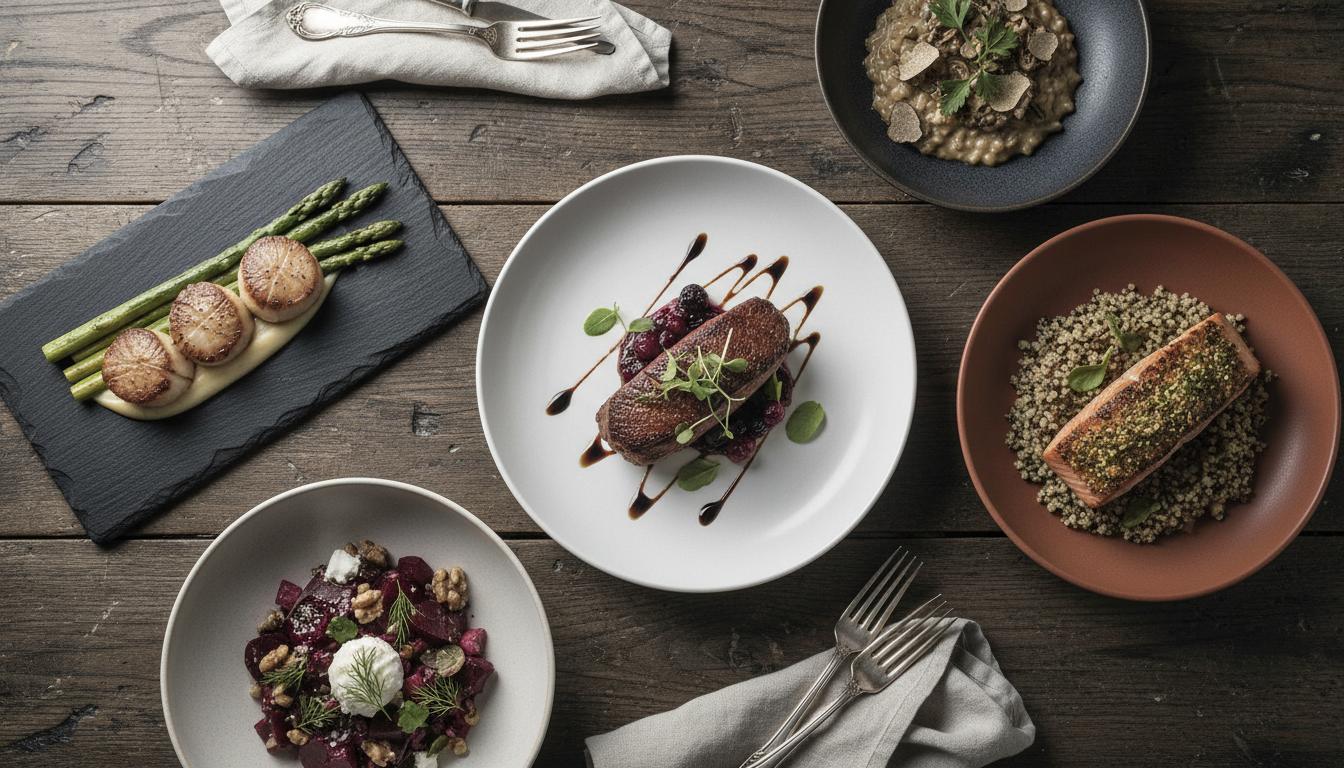
Restaurant QR menu mistakes usually come from poor mobile layout, stale item details, weak calls to action, slow loading, and codes placed without context. A QR menu should be readable, current, fast, and easy to use from the table.
A QR menu should make the guest experience easier. When it opens a slow PDF, hides prices, lists unavailable items, or forces too much scrolling, the code becomes a problem staff have to explain.
Most issues are avoidable before launch. The team needs to test the scan, read the page on a phone, confirm the content, and make sure guests understand what the QR code does.
The best QR menus feel like part of service. They help people choose faster, reduce outdated information, and let staff focus on hospitality instead of clarifying the menu.
What Is It?
A restaurant QR menu is a digital menu page opened by scanning a printed code on a table, sign, receipt, window, or other guest-facing surface.
Why It Matters
Guests judge the restaurant by the scanned experience. A broken or confusing QR menu can make the operation feel careless before anyone tastes the food.
How Good QR Menus Avoid Friction
Good QR menus use readable type, clear categories, current prices, simple availability controls, and fast-loading images. They also include a clear printed label so guests know what they are scanning.
Practical Steps
Walk through the menu like a guest. Scan from the table, find a popular item, check a price, open a category, and confirm that specials and sold-out items are accurate.
Common Mistakes
Avoid unlabeled codes, tiny table stickers, PDF-only menus, missing prices, outdated specials, and image-heavy pages that take too long to load on mobile data.
Common QR Menu Problems
| Mistake | Guest Impact | Better Pattern |
|---|---|---|
| Unlabeled QR code | Guests hesitate to scan | Add a short action label |
| Stale menu content | Staff must correct details | Use editable menu sections |
| Slow image-heavy page | Guests abandon the page | Compress media and prioritize text |
FAQ
Why do guests dislike some QR menus?
Guests dislike QR menus when they are slow, hard to read, outdated, unlabeled, or harder to use than a printed menu.
Should a QR menu replace paper menus completely?
Not always. Many restaurants use QR menus for updates and keep paper menus for accessibility, preference, or brand feel.
How can restaurants make QR menus faster?
Use a mobile page, compress images, avoid large PDFs, and keep the first screen focused on high-demand categories.
Where should QR menu codes be placed?
Place them where guests naturally look: tables, counters, windows, receipts, or host stands with clear scan instructions.
How often should QR menus be checked?
Check QR menus whenever prices, availability, hours, specials, or ordering workflows change.
More Notes
Keep Reading
QR Code Landing Page Vs PDF Menu: What Works Better?
A practical comparison for restaurants deciding whether a QR code should open a static PDF or a mobile-first page built for updates.
Continue Reading
Branded QR Code Design Rules That Keep Scans Reliable
How to add brand color, logo placement, and visual polish to QR codes without making them harder to scan in the real world.
Continue Reading