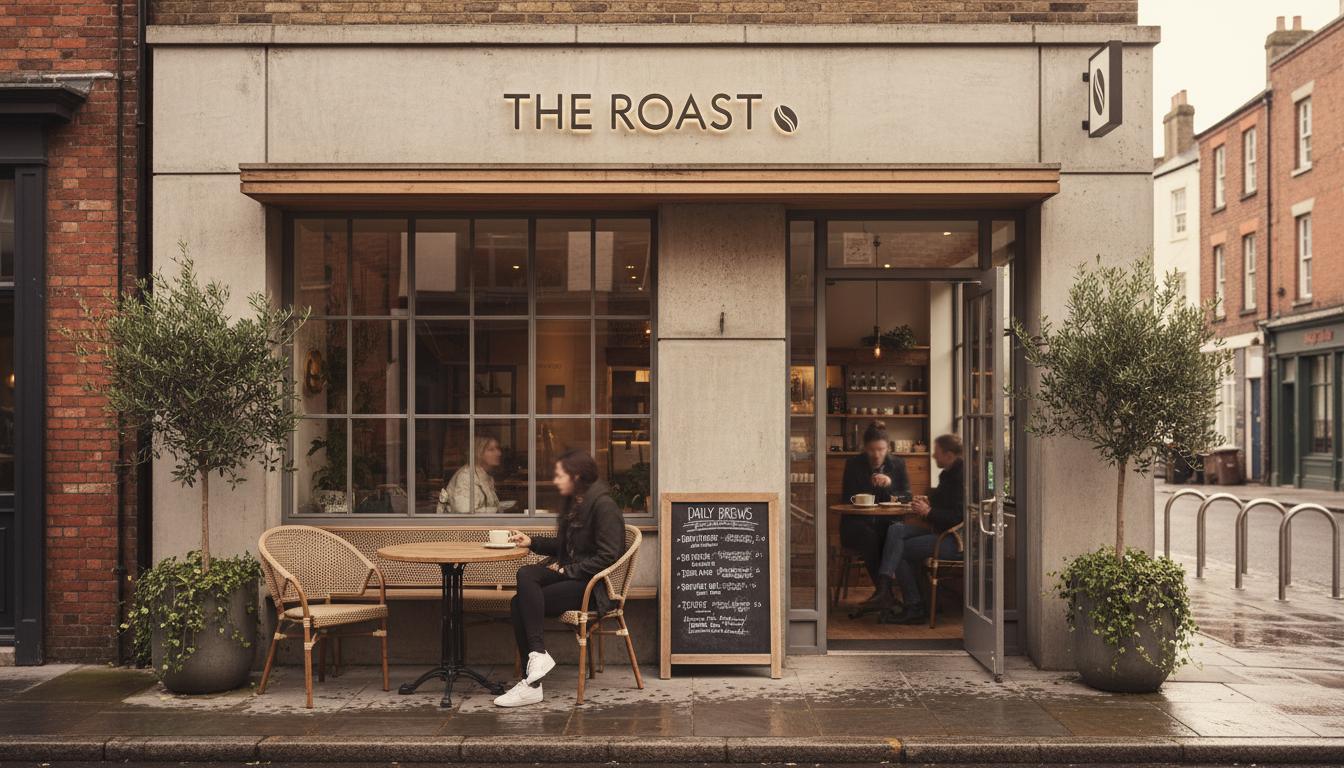
A branded QR code should still scan instantly in normal lighting, from normal distance, and on older phones. Brand color, logo placement, and frame design are useful only when contrast, quiet zone, and destination testing stay intact.
The goal of branded QR design is not to make the code disappear into the layout. The goal is to make the code feel intentional while staying obvious, readable, and easy to scan.
Most scan problems come from design choices that seem small in the mockup. Low contrast, crowded edges, oversized logos, glossy print material, and tiny placement can all reduce reliability once the code leaves the screen.
A strong branded code keeps the brand visible around the QR, not inside every module. The surrounding card, label, short CTA, and destination page can carry most of the brand expression while the code itself stays functional.
What Is It?
A branded QR code is a scannable code styled with brand colors, framing, or logo treatment while preserving the technical structure required for reliable scanning.
Why It Matters
A QR code that looks beautiful but fails to scan damages the campaign. People rarely try more than once, especially in a restaurant, event line, or retail counter where they are already moving.
How Reliable Branding Works
Use high contrast for the code, leave a clean quiet zone around it, and place brand elements in the frame or destination page. If a logo sits inside the code, keep it small and test the final output at print size.
Practical Steps
Print one real sample before production. Test it under indoor light, window glare, and arm-length distance. Use both iPhone and Android, then ask someone outside the project to scan without instructions.
Common Mistakes
Do not invert colors casually, remove the quiet zone, stretch the code, or place it on a busy photo. These changes make the code feel designed, but they also raise scan failure risk.
Branding Choices And Scan Risk
| Choice | Best For | Tradeoff |
|---|---|---|
| Branded frame | Most campaigns | Very low scan risk |
| Logo in center | High-recognition brands | Needs strict size testing |
| Low-contrast color | Decorative mockups | High scan failure risk |
FAQ
Can a QR code use brand colors?
Yes, but the code still needs strong contrast against the background. Dark modules on a light background are usually safest.
How much quiet zone does a QR code need?
A QR code needs clear empty space around the code. Keep the border free of text, images, patterns, and frame elements.
Can a logo go inside a QR code?
A small centered logo can work, but it must be tested at the final size. Oversized logos can block data modules.
What makes a QR code hard to scan?
Low contrast, tiny print size, glare, warped surfaces, missing quiet zones, and busy backgrounds are common scan problems.
Should QR code design match the landing page?
Yes. The code, printed call to action, and landing page should feel like one branded experience.
More Notes
Keep Reading
QR Code Landing Page Vs PDF Menu: What Works Better?
A practical comparison for restaurants deciding whether a QR code should open a static PDF or a mobile-first page built for updates.
Continue Reading
Event QR Code Checklist Before Signs Go To Print
A pre-print checklist for teams using QR codes on event posters, check-in desks, schedules, sponsor boards, and venue signage.
Continue Reading