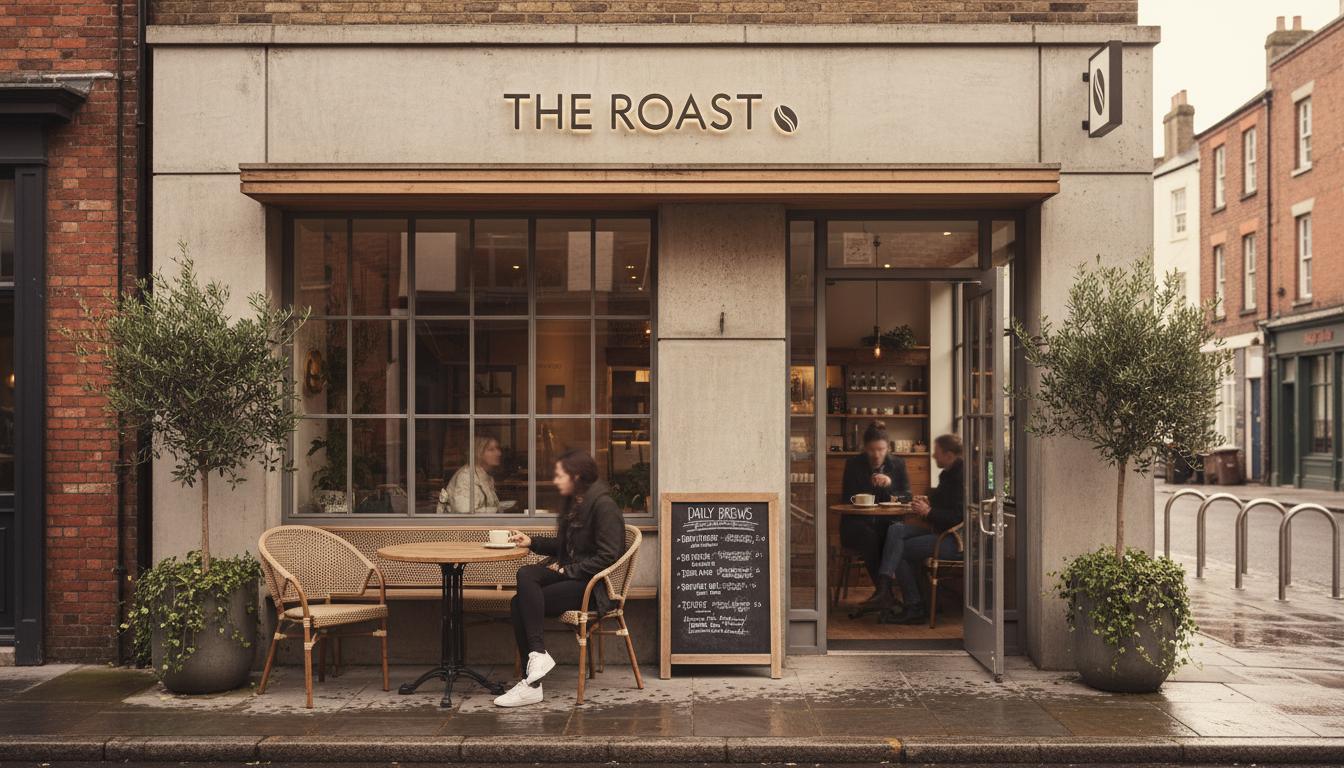
A small business QR page should show the essentials first: what the business does, where it is, when it is open, how to contact it, and what action customers should take next. The page should stay simple enough to understand within seconds after scanning.
Small business QR pages work best when they are focused. Customers who scan from a window, counter, flyer, or business card usually want one clear next step, not a full website navigation system.
The page should package the essentials in a way that fits the moment. Hours, location, contact details, booking links, offers, and social links can all be useful, but order matters.
The strongest QR pages are operational. They can change when hours shift, a promotion ends, a booking link changes, or a seasonal message becomes more important.
What Is It?
A small business QR page is a mobile landing page connected to a QR code that gives customers fast access to key business details and actions.
Why It Matters
A QR code often appears where attention is brief. The page behind it has to turn that short moment into a useful action before the customer moves on.
How The Page Should Be Structured
Start with business name, short positioning, primary action, hours, location, and contact details. Add offers, menus, booking, or service links only when they support the scanned context.
Practical Steps
Choose one primary action for each QR code placement. A window code may focus on hours and booking, while a counter code may focus on offers, reviews, or loyalty signup.
Common Mistakes
Avoid turning the QR page into a miniature homepage. Too many links make the scan feel like work and hide the action the customer actually needs.
Small Business QR Page Content
| Content | Best For | Tradeoff |
|---|---|---|
| Hours and location | Walk-in decisions | Needs frequent updates |
| Booking or contact action | Service businesses | Must stay current |
| Promotions | Campaign scans | Expires quickly if unmanaged |
FAQ
What should a business QR page include?
Include business name, hours, location, contact details, primary action, and any offer or booking link relevant to the placement.
Is a QR page different from a website?
Yes. A QR page is usually narrower and more action-focused than a full website because it serves a specific scan moment.
Where should small businesses place QR codes?
Common placements include windows, counters, receipts, flyers, packaging, business cards, and event displays.
How many links should a QR page have?
Use only the links needed for the scan context. Too many options can slow down the customer.
Can a QR page replace a small business website?
It can support simple needs, but a full website is better for deeper content, SEO pages, and broader navigation.
More Notes
Keep Reading

QR Code Landing Page Vs PDF Menu: What Works Better?
A practical comparison for restaurants deciding whether a QR code should open a static PDF or a mobile-first page built for updates.
Continue ReadingBranded QR Code Design Rules That Keep Scans Reliable
How to add brand color, logo placement, and visual polish to QR codes without making them harder to scan in the real world.
Continue Reading