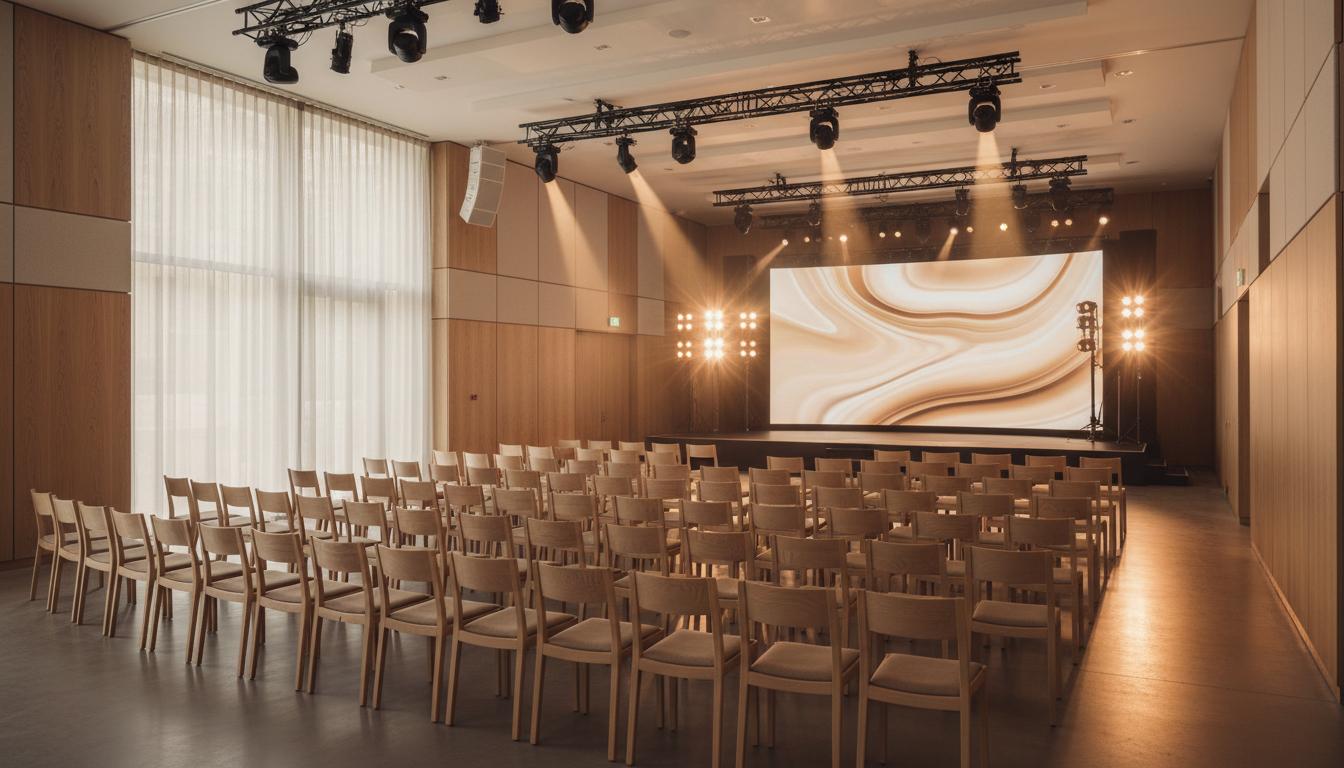
Before printing event QR signs, confirm the destination URL, mobile layout, ownership, update process, and scan reliability. Event QR codes work best when the physical sign stays stable and the page behind it can change as schedules, rooms, and links shift.
Event teams often make QR codes late, when signage is already moving toward print. That timing creates risk because the code becomes permanent before the destination has been tested in the actual attendee context.
The safer pattern is to approve the QR destination early, connect it to an editable event page, and treat the printed sign as a stable entry point rather than the source of every detail.
A good checklist prevents small failures from becoming visible on event day. It keeps scanning, routing, ownership, and content updates clear before guests arrive.
What Is It?
An event QR code is a printed scan point that sends attendees to a mobile page for schedules, RSVP details, venue information, sponsor links, or live updates.
Why It Matters
Events change quickly. Rooms move, speaker times shift, sponsor links update, and registration instructions evolve. An editable QR page gives the team room to adapt without reprinting signage.
How The Checklist Works
Separate the fixed pieces from the flexible pieces. The QR code, short call to action, and sign design should be stable. The schedule, links, and instructions behind the code should remain editable.
Practical Steps
Confirm the URL, scan the code from the final sign size, test in venue lighting, assign one update owner, and prepare a backup link. Run the full test on mobile before the file goes to production.
Common Mistakes
Avoid sending guests to a desktop page, PDF packet, or form that takes too long to load. Event scans happen while people are walking, waiting, or looking for the next instruction.
Event QR Destinations
| Destination | Best For | Tradeoff |
|---|---|---|
| Event page | Schedules and live updates | Needs content ownership |
| Registration form | Check-in and RSVP | Can feel narrow after arrival |
| PDF packet | Static programs | Harder to update and read |
FAQ
What should an event QR code link to?
It should link to a mobile event page with schedule, location, RSVP, check-in, speaker, sponsor, or update information.
When should event QR codes be tested?
Test before print approval, after print proofing, and again at the venue under real lighting and distance conditions.
Can one QR code support multiple event updates?
Yes. One printed QR code can support ongoing updates if it points to an editable event page.
Should event signage include a short URL?
Yes. A short fallback URL helps attendees who cannot scan, have camera issues, or need to share the destination.
Who should own event QR updates?
One event operator should own updates. Shared ownership often delays changes when schedules move quickly.
More Notes
Keep Reading

QR Code Landing Page Vs PDF Menu: What Works Better?
A practical comparison for restaurants deciding whether a QR code should open a static PDF or a mobile-first page built for updates.
Continue Reading
Branded QR Code Design Rules That Keep Scans Reliable
How to add brand color, logo placement, and visual polish to QR codes without making them harder to scan in the real world.
Continue Reading